Stop malicious attachments in Outlook: introducing Glasswall's latest M365 integration
What if an attachment sitting in your inbox was carrying hidden malware? Would your current security setup catch it before your users open it?
Email is still the #1 entry point for cyberattacks. But the scale and sophistication of attacks today are different. Over 90% of cyberattacks now begin with a phishing email (CISA), and AI-generated threats are making the problem significantly harder to solve.
Traditional detection tools are struggling to keep pace, and by the time a threat is flagged, it may already be inside your network. For security teams, that means constant pressure; more alerts, more uncertainty, and the growing risk that something slips through.
This is why we developed Glasswall's M365 Outlook Integration, the latest addition to our Secure M365 Collaboration suite, bringing the same proven Zero Trust CDR protection that secures SharePoint and OneDrive to the most targeted entry point in your organization.
The inbox is your biggest attack surface
Unlike files uploaded to cloud storage, email attachments arrive constantly, from colleagues, clients, partners, and suppliers, many of whom your users trust implicitly.
That trust is exactly what attackers weaponize. Phishing campaigns are increasingly designed to look legitimate, and with AI now enabling attackers to craft convincing emails at scale, the likelihood of a user opening a malicious attachment has never been higher.
The challenge for security teams is that detection tools only catch what they recognize. Zero-day malware, AI-generated payloads, and novel file exploits are engineered specifically to bypass them. And even when threats are eventually identified, the damage is often already done. A breach initiated via a malicious email attachment costs organizations $4.88 million on average and takes 254 days to contain.
The inbox needs a different approach.
Built on Glasswall's proven CDR technology
At the core of Glasswall's M365 Outlook Integration is the same Content Disarm and Reconstruction (CDR) engine trusted by government agencies and defense organizations worldwide.
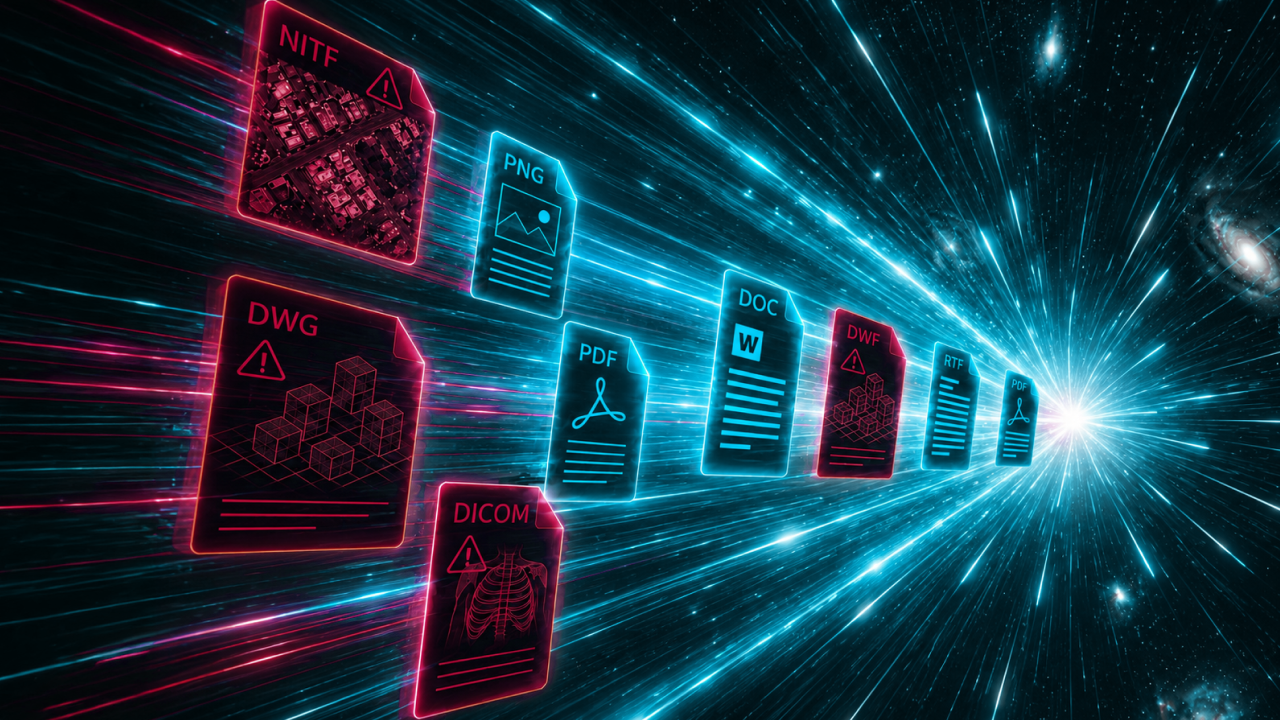
Rather than trying to detect whether a file is malicious, CDR takes a fundamentally different approach: it assumes every file is a threat and rebuilds it from scratch to a known-good standard. Threats are removed not because they were identified, but because the conditions that allow them to exist are eliminated entirely.
When an email arrives in Outlook with an attachment, Glasswall processes it automatically in real time. The original file is deconstructed, any potentially malicious content is stripped out, and a clean, fully functional version is made available to the user. All of this happens invisibly in the background, with no action required from the user and no disruption to their workflow.
Unlike detection-based tools, CDR offers three core advantages:
Prevention, not detection: threats are removed as attachments are received, rather than identified after the fact
Usable, clean files: attachments are rebuilt to a safe standard while preserving their original format and functionality
No dependence on signatures: protection works against zero-day and AI-generated threats that detection tools cannot identify
Completing your M365 protection
Glasswall's M365 Outlook Integration extends the coverage of our existing Storage Monitoring capability, which already protects files across SharePoint and OneDrive. Together, they form a comprehensive layer of Zero Trust file protection across the Microsoft 365 environments your teams rely on every day.
Whether a threat arrives via a shared document in SharePoint or an attachment in Outlook, it is sanitized automatically as soon as it is received. Security teams get consistent, policy-driven control across every file entry point, without adding complexity or creating friction for end users.
What this means for your organization
With Glasswall's M365 Outlook Integration in place, every attachment entering your Outlook environment is automatically processed and sanitized as it arrives, returning a clean, fully usable file to the user. Users receive their files as normal. The difference is that those files are safe by design.
For security teams, this means fewer alerts to investigate, less reliance on detection tools that can miss novel threats, and the confidence of knowing that email can no longer serve as an unguarded entry point into your environment.
For organizations already using Glasswall Storage Monitoring, adding the M365 Outlook Integration means the final piece of your M365 protection is in place.
Want to learn more about Glasswall's M365 Outlook Integration? View the product page.
Footnotes
68% of all malware attacks originate from email — Abnormal AI, 2024
94% of malware is delivered via email attachments — Verizon Data Breach Investigations Report, 2024
Over 144 million malicious email attachments detected globally in 2025, a 15% increase year on year — Kaspersky, 2025
A breach initiated via a malicious email attachment costs $4.88 million on average — IBM Cost of a Data Breach Report, 2024
The average breach initiated via a malicious email attachment takes 254 days to contain — IBM Cost of a Data Breach Report, 2024
Riyya Ahmed
Our Senior Technical Writer and Product Marketing Manager, Riyya, is exceptional at authoring, organizing, and simplifying our product documentation. Using her keen eye for detail and wealth of experience in tech, Riyya helps our clients and partners seamlessly integrate with industry-leading Zero Trust CDR.
See what Zero Trust file protection looks like. Live, in 25 minutes.
A tailored walkthrough of how Glasswall rebuilds files to a known-good state, removes hidden threats, and provides the intelligence you need to understand file risk.
What's in the demo
See malicious files rebuilt in real time Watch Glasswall remove hidden threats and return a safe, usable files.
Integrate security without disruption See how Glasswall fits into your existing workflows and infrastructure.
Gain complete visibility into file risk Uncover threats, anomalies and hidden file intelligence.
“
Beazley's security is paramount, and this integration has significantly reinforced our cybersecurity framework.
Thank you! Your submission has been received!
Oops! Something went wrong while submitting the form.


.png)