How to choose a CDR vendor: 7 criteria security teams rely on
Traditional security tools were built for a different threat landscape. Antivirus and detection-based controls depend on knowing what a threat looks like before they can stop it. Against zero-day attacks and unknown malware hidden inside everyday files, that model breaks down.
That's why more security teams are evaluating Content Disarm and Reconstruction (CDR) as a primary control for file-based risk. But not all CDR vendors deliver the same level of protection. The differences matter, and they're not always obvious from a vendor's marketing materials.
This guide covers seven criteria you should evaluate before committing to a CDR solution.
What is CDR, and why does it matter?
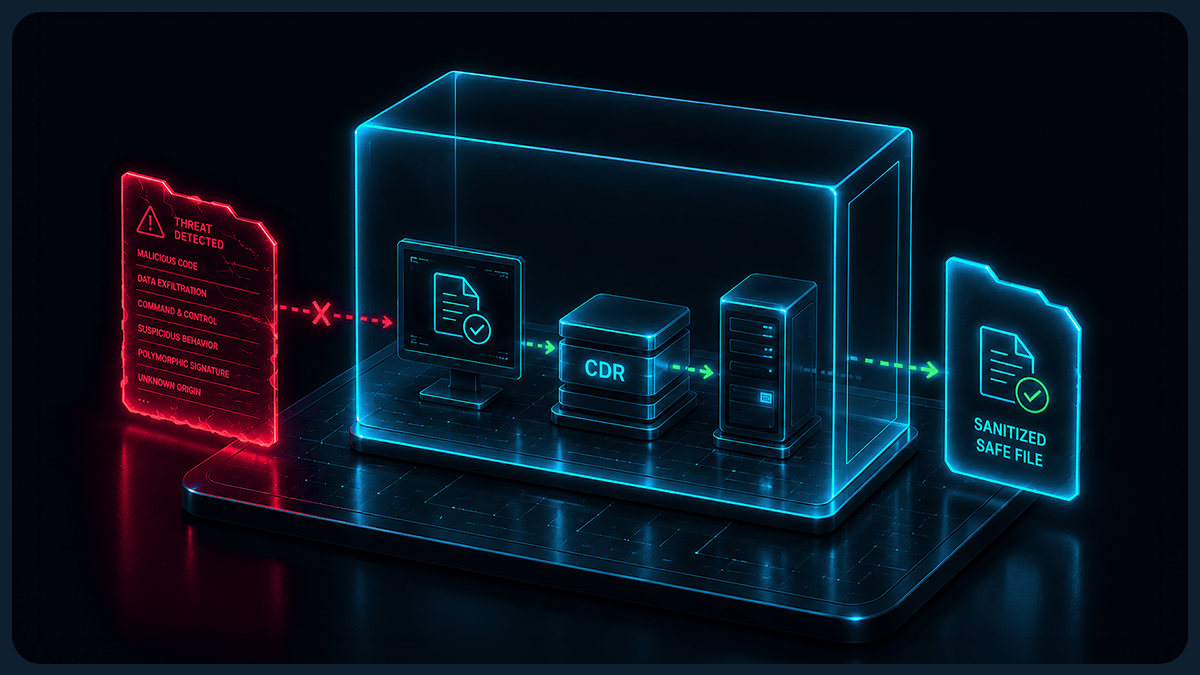
Content Disarm and Reconstruction (CDR) takes a different approach to file security. Rather than scanning for known threats, CDR treats every file as untrusted by default. Each file is disassembled, validated against its manufacturer's specification, stripped of anything that doesn't conform, and rebuilt as a clean, fully functional version.
The result: files that enter or leave your environment are safe, regardless of whether the threat inside them has ever been seen before. There's no reliance on signatures, no waiting for detection databases to catch up, and no window of exposure while a zero-day works its way through your defenses.
Gartner, NSA, NCSC and NIST all recommend CDR as a security control.
7 criteria for evaluating a CDR vendor
1. Does the vendor preserve full file functionality after processing?
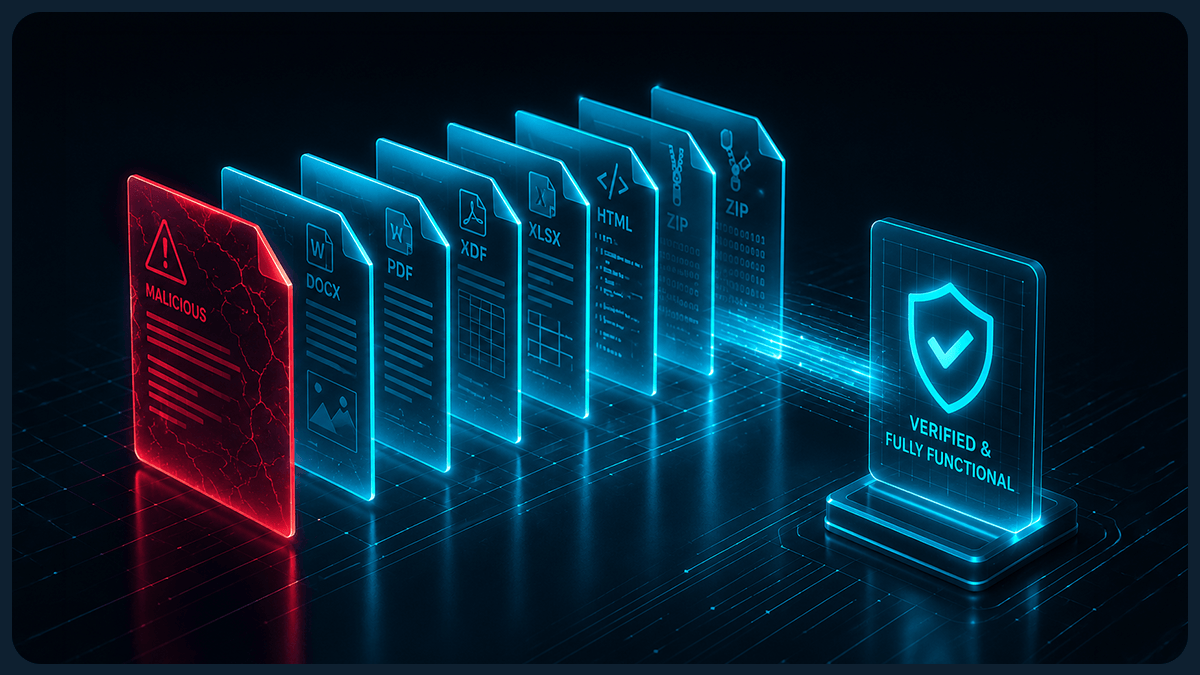
Some CDR vendors claim to support a wide range of file types but process many of them by flattening them into a simpler format, such as a PDF or JPEG image. This removes potential threats, but it also removes the file's original functionality. Users end up with static images or uneditable documents, breaking collaboration and disrupting workflows.
When reviewing a vendor's supported file type list, ask a follow-up question: of those file types, how many are processed in their native format, and how many are flattened?
The distinction isn't always clear from public-facing materials. Get the answer in writing.
What good looks like: The vendor processes files in their native format, with he capability to preserve all original functionality (macros, metadata, formatting, embedded objects) with no need for flattened substitutes.
2. Does the vendor use manufacturer-approved libraries to rebuild files?
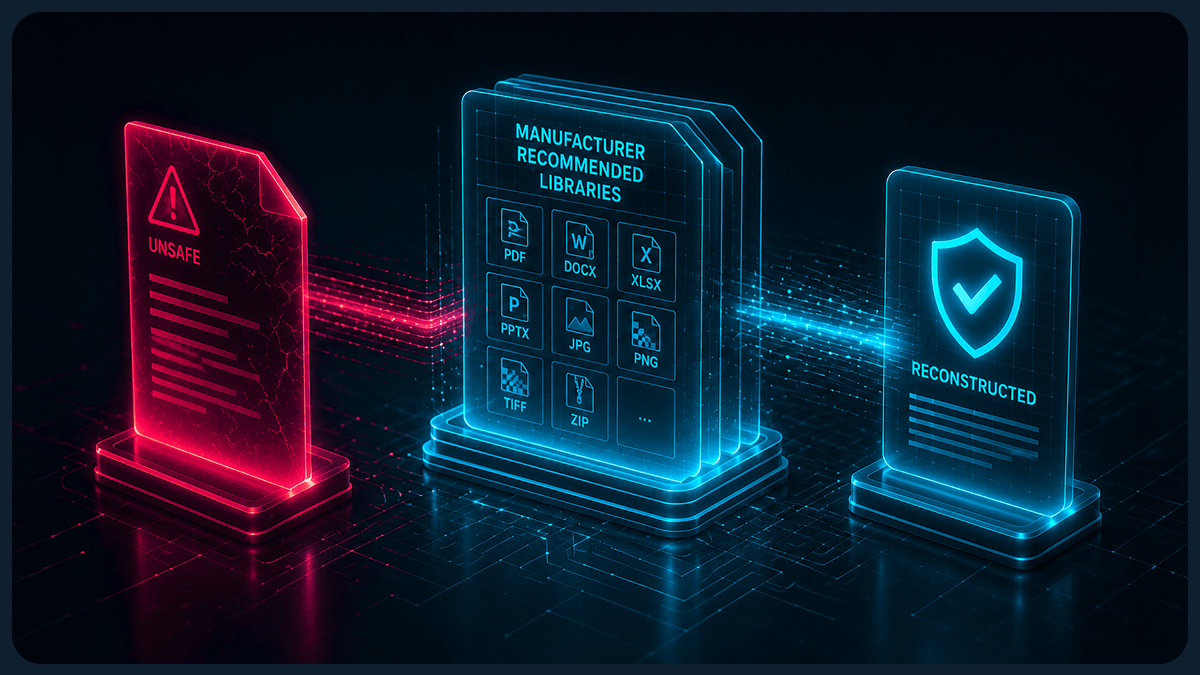
CDR works by rebuilding files. The question is: rebuilt against what standard?
Some vendors use non-proprietary libraries to reconstruct files. These can remove the malicious content hidden in the original file structure, but may introduce a new set of vulnerabilities in the rebuilt output. You've removed one risk and potentially added another.
The strongest protection comes from rebuilding files against the original manufacturer's specifications, so the output conforms to what the software vendor intended the file format to look like. There's no room for hidden structural anomalies to survive the process.
What good looks like: The vendor rebuilds files against manufacturer-approved specifications, producing output that is structurally clean by definition.
3. Can the vendor provide granular reporting on every threat found?
Security teams need visibility. If a CDR solution processes a file and removes threats without logging what it found, you're flying blind on two fronts: you don't know what the threat landscape hitting your organization looks like, and you can't easily demonstrate compliance when regulators ask.
Several jurisdictions now require organizations to report on the mitigating actions taken against cybersecurity risks. Without granular file-level reporting, fulfilling that requirement means reprocessing original files after the fact, which creates additional operational overhead.
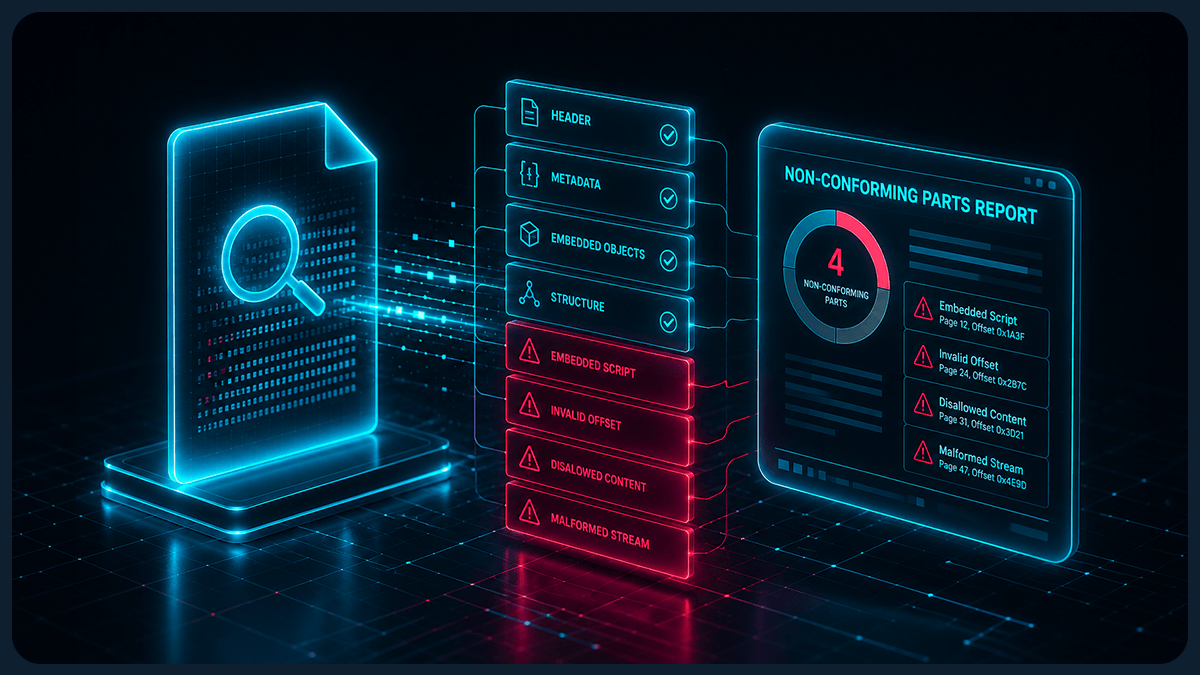
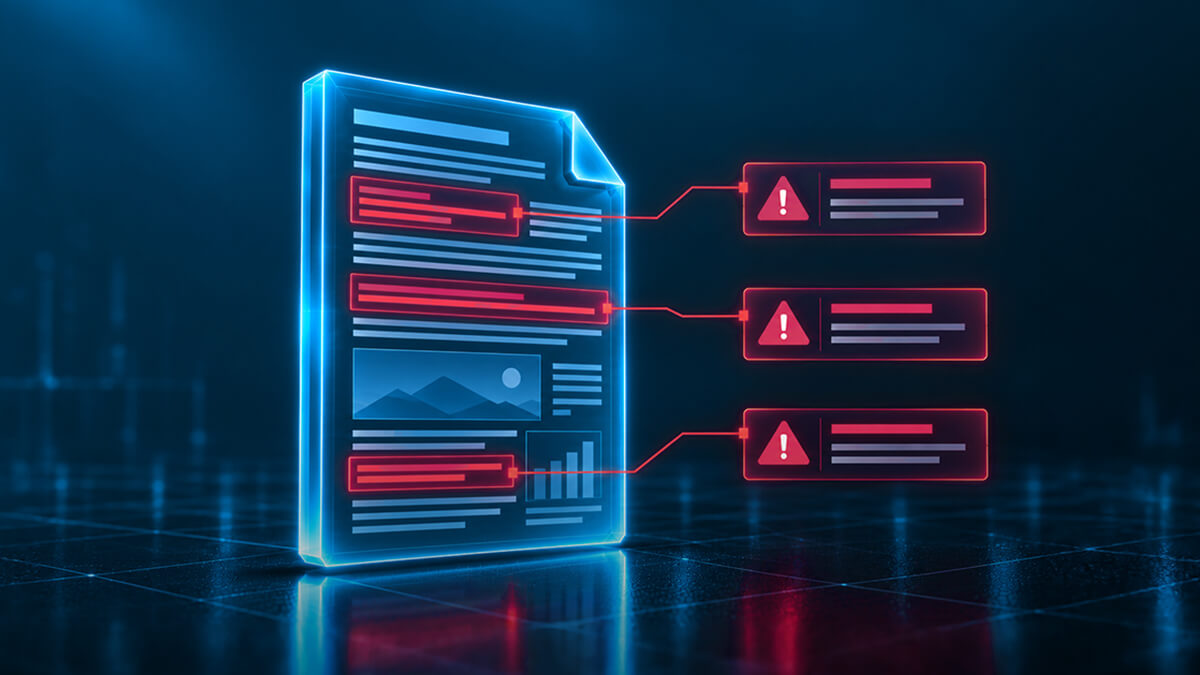
What good looks like: The vendor produces a detailed report for every processed file, logging each non-conforming element found, the action taken and the reason. If a file cannot be processed, the reason is clearly communicated.
4. Can the vendor maintain performance at scale?
Processing a single file quickly is one thing. Maintaining that performance when you're processing thousands of files during a cloud migration, or running high-throughput file upload portals in real time, is where CDR vendors diverge significantly.
Scalability is easy to claim. Performance statistics under realistic load conditions are harder to produce. Ask any vendor you're evaluating for benchmark data from their most recent builds, across both low-throughput and high-throughput scenarios.
What good looks like: The vendor can provide documented performance statistics at scale, not just for single-file processing. Throughput should remain consistent under realistic workloads without degrading file fidelity or processing accuracy.
5. Does the vendor support flexible deployment, including air-gapped environments?
The environments where file security matters most are often the environments with the strictest constraints. Air-gapped networks, offline DDIL (Denied, Degraded, Intermittent and Limited) environments, government enclaves and regulated infrastructure all have connectivity restrictions that rule out cloud-dependent security controls.
Many CDR vendors are cloud-native, which works well in standard commercial environments but creates a hard blocker for classified networks, tactical deployments and other disconnected scenarios. If your requirements include air-gapped or on-premises deployment, confirm early that the vendor's architecture genuinely supports it, not through a workaround or a separate product tier, but as a first-class deployment model.
What good looks like: The vendor supports deployment on-premises, in the cloud and in air-gapped networks, with no external connectivity required during file processing. Performance and feature parity should be maintained across deployment modes.
6. Does the vendor offer API and integration support for existing workflows?
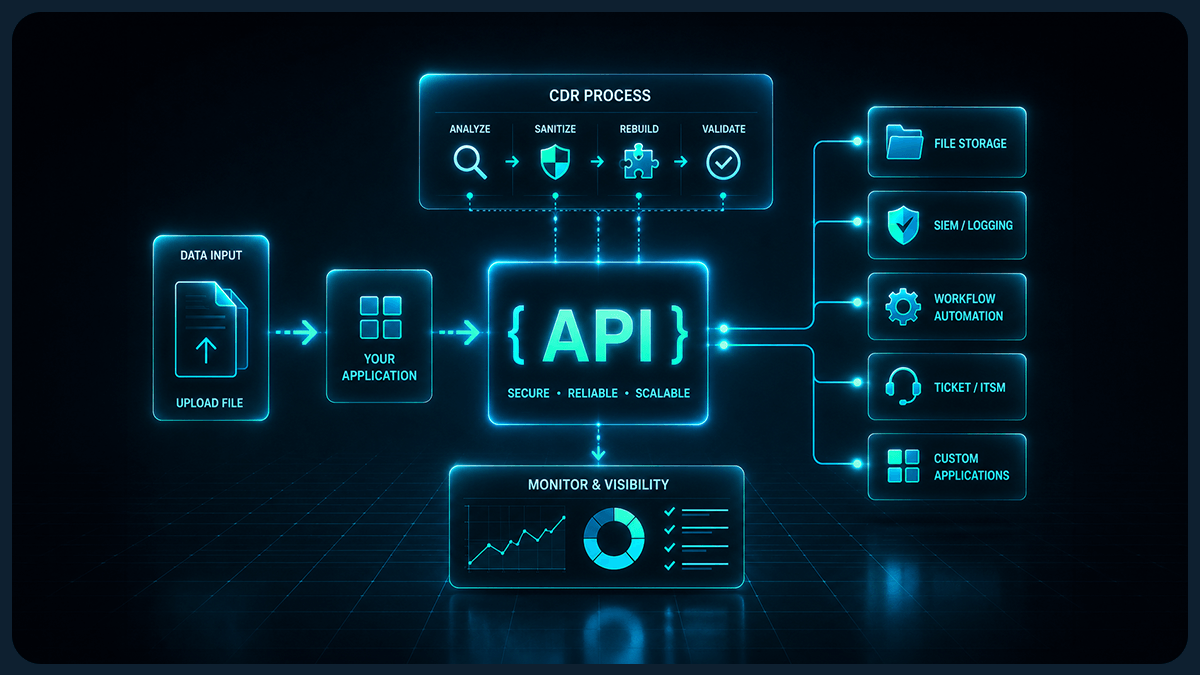
CDR should fit into the way your organization already operates. That means REST API support for custom integrations, ICAP protocol support for inline proxy and browser isolation use cases, compatibility with cloud and email platforms, and documented SDKs if you need to embed CDR capabilities into your own products.
A vendor that only delivers CDR through a standalone portal creates friction. Your team will have to change their workflows to accommodate the tool, rather than the tool accommodating your workflows. For security controls to be effective, they need to be used consistently, and that's less likely when adoption requires behavioral change.
What good looks like: The vendor provides documented REST APIs, ICAP support and SDK options, with integration guides covering common enterprise platforms. API documentation should be publicly accessible.
7. Has the vendor's technology been validated in high-assurance environments?
Claims are easy to make in a vendor pitch. What you need is evidence of CDR working at scale in environments with strict security requirements, under real operational conditions.
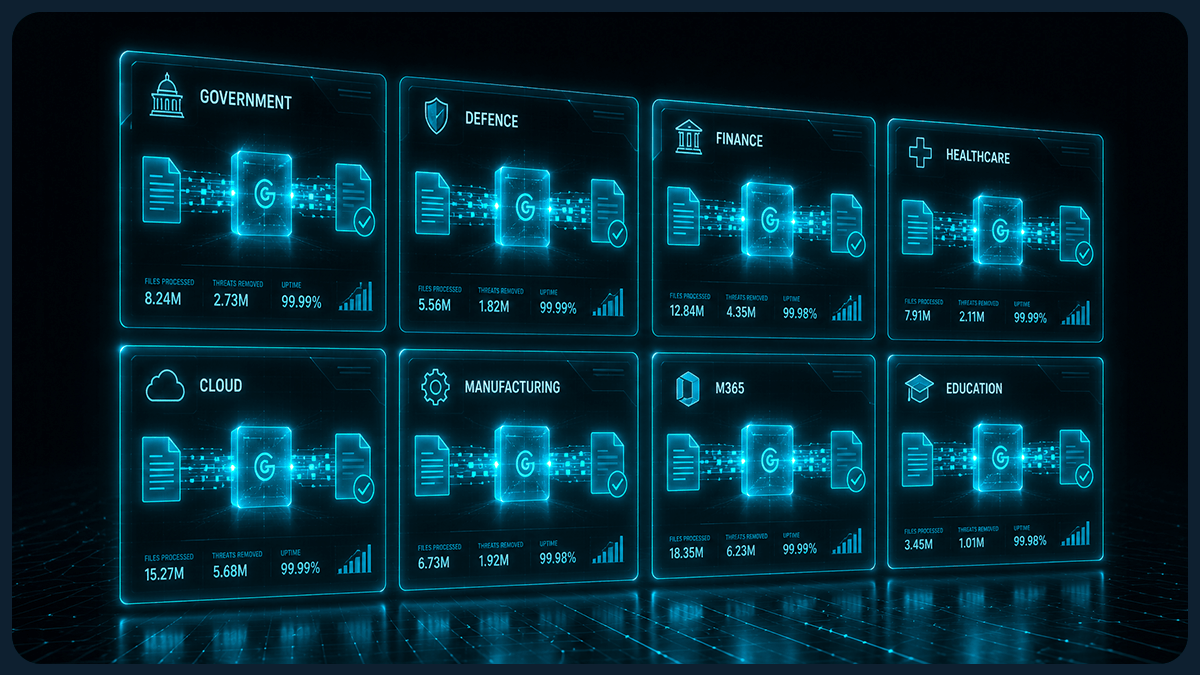
Government and defense deployments are particularly meaningful here. Clearing the procurement, security assurance and technical requirements of those organizations requires a level of rigor that filters out vendors who can't deliver. If a CDR provider has a documented track record in those environments, it's a strong signal that their technology performs under pressure.
Also ask about framework alignment. Does the vendor's solution map to The NSA's Raise the Bar guidance? The NCSC's Pattern for Safely Importing Data? The NIST Risk Management Framework? CMMC Level 2? Vendors with genuine high-assurance deployments will be able to answer these questions specifically.
What good looks like: The vendor can point to verifiable deployments in regulated or government environments and can demonstrate how their solution aligns with relevant frameworks and compliance standards. If specific clients are confidential, the vendor should still be able to provide sector evidence and framework mapping documentation.
What to ask before you decide
Before shortlisting any CDR vendor, use these seven questions as a baseline:
Which file types do you process in their native format, and which do you flatten?
What specifications do you use to rebuild files after sanitization?
What does your per-file reporting include, and is it produced in real time?
Can you provide performance benchmarks at scale?
Do you support on-premises and air-gapped deployment as a standard option, and what connectivity does file processing require?
What REST APIs, ICAP support and SDK options do you provide, and is the documentation publicly available?
Can you provide evidence of deployments in government or regulated environments?
A strong CDR vendor will answer all seven clearly. If a vendor hedges on any of them, dig deeper before you commit.
How Glasswall approaches these criteria
Glasswall's patented CDR technology was built for the most demanding environments in the world, and the criteria above reflect where the market separates vendors who can operate in those environments from those who can't.
On file fidelity: Glasswall processes files in their native format. Every file processed by the Glasswall Embedded Engine returns safe, clean and fully functional, with no flattening required.
On reconstruction libraries: Glasswall rebuilds files against manufacturer-approved specifications, producing output that is structurally clean by definition.
On reporting: Glasswall CDR provides real-time, granular reporting on all non-conforming file components, giving security teams the threat intelligence and audit trail they need for compliance.
On scalability: Glasswall Halo is built on Kubernetes and is designed for high-throughput processing across cloud deployments.
On deployment flexibility: Glasswall Halo deploys on-premises, in the cloud or in air-gapped networks, with no external connectivity required. This makes it viable for DDIL and offline environments.
On integration: Glasswall provides synchronous and asynchronous REST APIs, ICAP support, an Embedded Engine SDK and pre-built integrations for M365 and Outlook email workflows. Full documentation is available at docs.glasswall.com.
On track record: Glasswall has over a decade of history serving government and defense organizations globally, and its CDR technology maps to the NSA's Raise the Bar guidance, the NCSC Pattern for Safely Importing Data, the NIST Risk Management Framework and CMMC Level 2.
Frequently asked questions
What is Content Disarm and Reconstruction (CDR)?
Content Disarm and Reconstruction is a cybersecurity approach that treats every file as untrusted by default. Rather than scanning for known threats, CDR disassembles each file, validates its structure against the manufacturer's specification, removes any content that doesn't conform and rebuilds it in a clean, safe state. The process neutralizes threats before they can execute, including zero-day attacks that no detection tool has seen before.
How is CDR different from antivirus?
Antivirus relies on detecting known threats by matching files against a database of signatures. CDR doesn't look for threats at all. It assumes every file may contain something harmful and rebuilds it from scratch to a known-good standard. This means CDR can neutralize threats that antivirus has never seen, making it effective against zero-day and targeted attacks.
What file types should a CDR solution support?
A CDR solution should support the file types your organization regularly works with: Office documents, PDFs, images, archives and common data formats. More importantly, ask how each supported file type is processed. A vendor that lists 100 supported formats but flattens 80 of them into static images is not offering meaningful CDR coverage for those file types.
What is file flattening, and why does it matter?
File flattening is the process of converting a file into a simpler format, such as converting a Word document to a JPEG image, to enable a CDR vendor's engine to process it. While this removes threats, it also removes the file's functionality. The result is a static image that can't be edited, annotated or used collaboratively. For most business workflows, flattened files are not a usable output.
Can CDR be deployed in air-gapped or offline environments?
Yes, but only if the vendor's architecture supports it. Many CDR solutions are cloud-native and require internet connectivity to function. For air-gapped networks, DDIL environments or classified infrastructure, you need a CDR solution specifically designed for disconnected deployment. Confirm with any vendor that air-gapped operation is a fully supported, tested deployment mode.
How do I benchmark CDR vendor performance?
Ask every vendor you evaluate for documented performance statistics from their most recent builds, covering both low-throughput and high-throughput scenarios. Performance figures should include processing speed per file type, throughput under concurrent load and fidelity rates (the percentage of files successfully processed in their native format without degradation). Be cautious of vendors who only provide average figures without specifying the test conditions.
See Glasswall CDR in action
Get a tailored walkthrough of how Glasswall rebuilds files to a known-good state, removes hidden threats and gives you the visibility you need to understand file risk across your environment.
See what Zero Trust file protection looks like. Live, in 25 minutes.
A tailored walkthrough of how Glasswall rebuilds files to a known-good state, removes hidden threats, and provides the intelligence you need to understand file risk.
What's in the demo
See malicious files rebuilt in real time Watch Glasswall remove hidden threats and return a safe, usable files.
Integrate security without disruption See how Glasswall fits into your existing workflows and infrastructure.
Gain complete visibility into file risk Uncover threats, anomalies and hidden file intelligence.
“
Beazley's security is paramount, and this integration has significantly reinforced our cybersecurity framework.
Thank you! Your submission has been received!
Oops! Something went wrong while submitting the form.