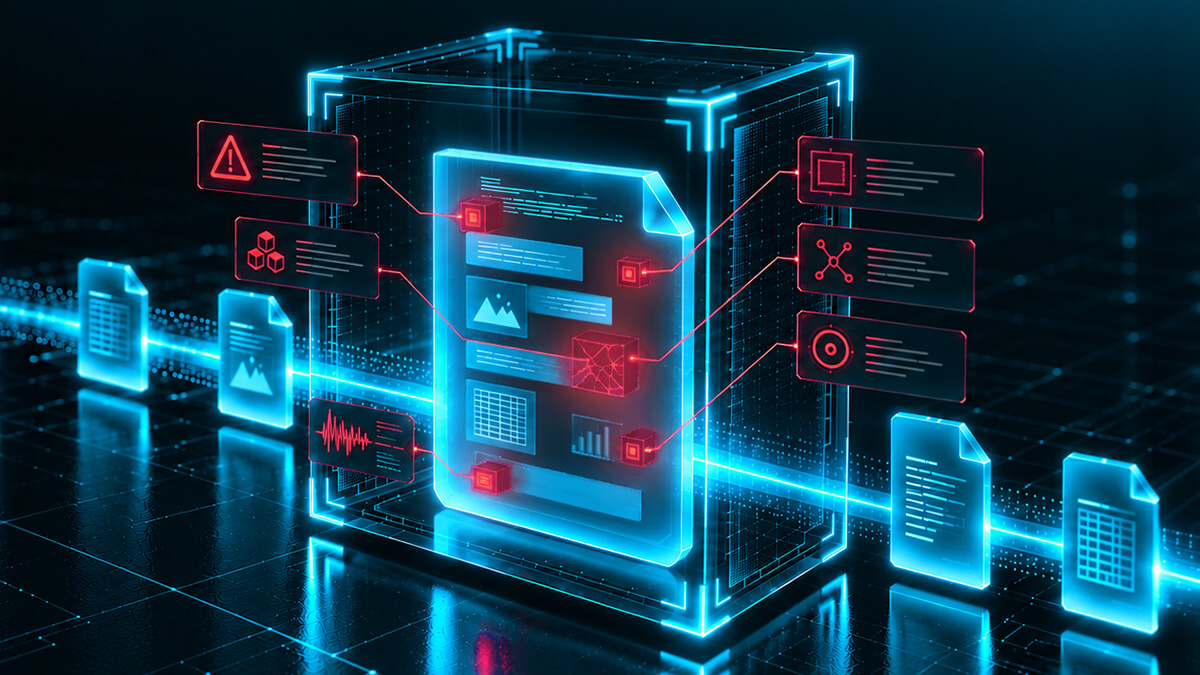
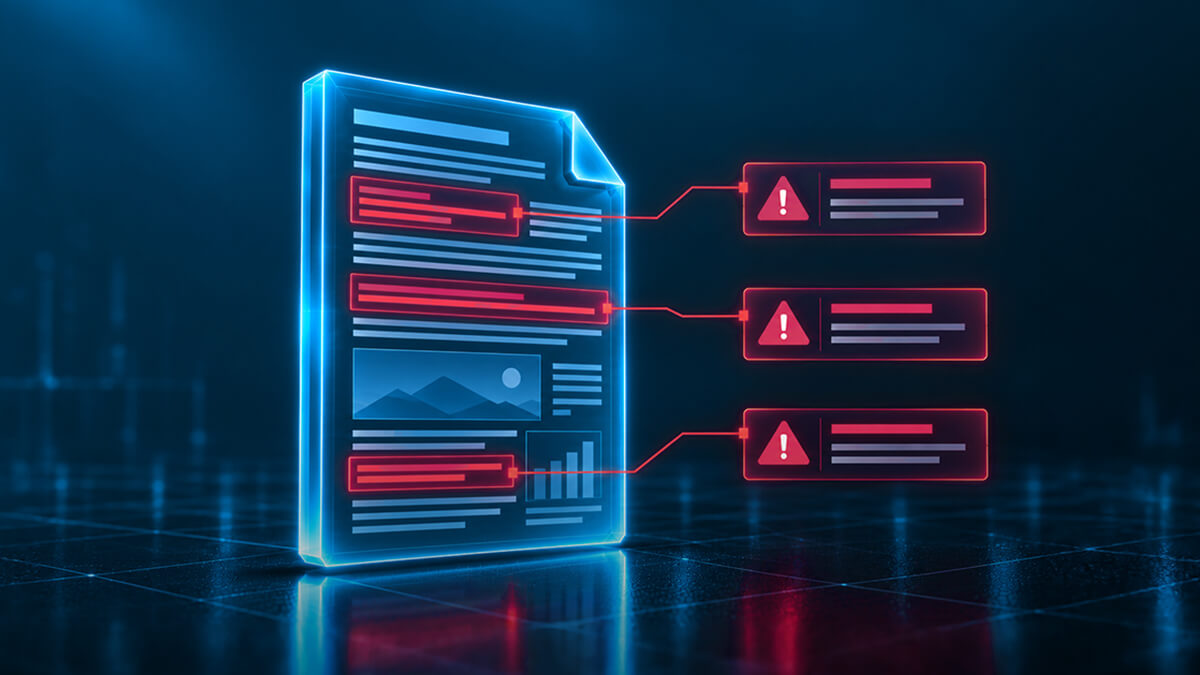
Every organization moves files all day: contracts, invoices, spreadsheets, scanned forms, project plans. Attackers know this, and they've built an entire class of malware to travel inside those files instead of arriving as an obvious standalone program. A single PDF invoice or Excel report can carry a payload that nobody notices until it runs.
File-based threats are malicious content hidden inside files that look and behave like ordinary documents: Word files, PDFs, spreadsheets, images and archives that people open, forward and store every day. Because these files look normal and often arrive from a trusted sender, they slip past detection-based tools, and security training too. No amount of training fixes that: the file itself was never checked before it reached someone's inbox.
What counts as a file-based threat, and how do they get in?
A file-based threat is malicious code or content built into a file's own structure rather than delivered as a separate executable. Attackers use legitimate features that file formats already support, such as macros, embedded objects and scripting, to hide a payload inside something that looks entirely normal on the surface.
These files reach an organization through the same channels every business relies on: email attachments, web form uploads, shared drives, collaboration platforms like SharePoint and OneDrive, and removable media. None of those channels are inherently risky. The risk comes from treating every file that arrives through them as safe by default, before anyone or anything has actually checked what's inside.
Common file-based threat types today
Different file formats create different openings for attackers. Here's how the most common ones work today.
Threat type
How it's delivered
Why it's dangerous
Malicious macros
Embedded in Word, Excel or PowerPoint files, often set to run automatically when the document opens
Macros are a legitimate feature, so many detection tools trust them by default; a single click to "enable content" can trigger the payload
Weaponized PDFs
Malicious JavaScript, embedded files or crafted actions inside an otherwise normal-looking PDF
PDFs are so widely trusted for invoices, forms and reports that recipients rarely question them
Image steganography
Malicious data hidden inside the binary structure of an image file
The image displays and opens normally, so there's nothing visibly wrong to alert the recipient
ZIP or RAR archive payloads
Malware packaged inside a compressed archive, sometimes nested across several layers, or in some cases the archive can itself be destructive ("Zip Bomb")
Archived content is harder for some scanning tools to inspect fully, password-protected archives can block scanning altogether, and they can also target resource exhaustion/DOS operations
Legacy Office formats
Older binary formats such as .doc, .xls and .ppt, still in circulation across many organizations
These formats carry known structural vulnerabilities that modern XML-based formats (.docx, .xlsx, .pptx) were built to close
Why fileless malware is a different (but related) risk
Fileless malware runs directly in a system's memory, using legitimate tools already present on the machine to carry out its actions. That makes it harder for tools that scan files at rest to catch, because there's no obvious malicious file to find.
The two risks are connected more often than the names suggest. A malicious macro or script embedded in a document, a file-based threat, is a common way fileless techniques get their start. The file is the delivery mechanism; what happens after it opens is where the attack shifts to memory. Stopping the file before it executes closes off that entry point, regardless of what technique the attacker planned to use next.
Why signature-based detection misses these threats
Antivirus tools compare files against a library of known malware signatures. Sandbox solutions work differently: they run suspicious files in an isolated environment to observe what they do before releasing them. Attackers know this, and some malware is built to detect a sandbox and stay dormant until it reaches a real environment, defeating the purpose of the test. Both approaches are still fundamentally looking for threats that have been seen before, so they work well against cataloged malware and poorly against anything new: a slightly modified file, a novel combination of macros, or a threat that hasn't been added to a signature database yet.
This is the core limitation of detection-only security: it has to already know about a threat to catch it. Files are treated as safe by default until something proves otherwise, and "something proves otherwise" often means the file has already run. A prevention-first approach flips that assumption. Every file is treated as untrusted until it's been checked and, where needed, rebuilt to a known-good standard, before it ever reaches a user.
Real-world impact: what happens when file-based threats get through
The cost of getting this wrong shows up clearly in breach data. According to the Verizon 2025 Data Breach Investigations Report (data through 2024):
Ransomware was present in 44% of all breaches analyzed, up from 32% the year before, a 37% increase.
Exploitation of vulnerabilities as an initial access vector reached 20% of breaches, a 34% increase year-over-year.
Third-party involvement in breaches doubled, from 15% to 30% year-over-year.
The 2026 edition of the same report shows the trend accelerating. Exploitation of software vulnerabilities has now overtaken stolen credentials as the top way attackers get in, present in 31% of breaches, and ransomware now features in 48% of all breaches analyzed (Verizon 2026 Data Breach Investigations Report).
None of these numbers describe a single attack technique, but they describe the same underlying pattern: attackers are getting further in, faster, and doing more damage once they're inside. Ransomware, exploited vulnerabilities and third-party access all depend on gaining an initial foothold, and a file that looks routine enough to open is still one of the most reliable ways to get one.
Neutralizing file-based threats before they execute
The threat types above share one thing in common: they all depend on a file being trusted by default. Content Disarm and Reconstruction (CDR) removes that assumption. Instead of trying to recognize a specific threat, CDR validates every file against its manufacturer's "known good" specification and rebuilds it to that standard, removing anything that doesn't belong, whether or not it's ever been seen before.
That's how the malicious macros, weaponized PDFs, steganography and legacy-format risks covered above all get neutralized in practice: the file is rebuilt clean before it ever reaches a user, so there's nothing left to execute. For a full breakdown of how the inspect-rebuild-clean-deliver process works, see what Content Disarm and Reconstruction (CDR) is and how it works.
This same principle underpins Zero Trust file security: files are never trusted by default, no matter where they come from. It's also why organizations operating in disconnected or high-risk environments look at CDR at the tactical edge, and why file handling is increasingly treated as the missing pillar in Zero Trust strategy. Organizations that need to apply this at scale, across cloud and on-premises environments, typically deploy it through Glasswall Halo.
Frequently asked questions
What is a file-based threat?
A file-based threat is malicious content built into a file's own structure, such as a macro, script or embedded object, rather than delivered as a standalone program. It's designed to look and behave like a normal document, spreadsheet, PDF or image.
What is the difference between file-based malware and fileless malware?
File-based malware relies on a malicious file to deliver its payload. Fileless malware runs in a system's memory using legitimate tools already on the machine, without leaving an obvious malicious file behind. The two are often connected: a file-based threat is frequently how a fileless attack gets its start.
What file types are most commonly used to deliver malware?
Office documents with macros, PDFs, images (used for steganography) and compressed archives such as ZIP or RAR files are among the most common delivery methods, largely because they're widely trusted and opened without much scrutiny.
How does Content Disarm and Reconstruction (CDR) stop file-based threats?
CDR validates a file's structure against its manufacturer's known-good specification and rebuilds the file to that standard before it reaches a user, so nothing hidden inside it survives. See what CDR is and how it works for the full process.
Can antivirus software detect all file-based threats?
No. Antivirus and sandboxing tools compare files against known threat signatures, so they're effective against previously identified malware but can miss new or modified threats that haven't been cataloged yet.
What is document-based malware?
Document-based malware is malware delivered through everyday document formats, most often Word, Excel, PowerPoint and PDF files, typically using macros, embedded objects or scripting features built into those formats.
Jake Bussell
Glasswall’s Marketing Director, Jake, brings more than a decade of expertise in file-based threats, Content Disarm and Reconstruction (CDR), and the security challenges facing government and enterprise organizations. He focuses on turning complex cybersecurity issues into practical insights that help organizations understand and reduce risk at the file level.
See what Zero Trust file protection looks like. Live, in 25 minutes.
A tailored walkthrough of how Glasswall rebuilds files to a known-good state, removes hidden threats, and provides the intelligence you need to understand file risk.
What's in the demo
See malicious files rebuilt in real time Watch Glasswall remove hidden threats and return a safe, usable files.
Integrate security without disruption See how Glasswall fits into your existing workflows and infrastructure.
Gain complete visibility into file risk Uncover threats, anomalies and hidden file intelligence.
“
Beazley's security is paramount, and this integration has significantly reinforced our cybersecurity framework.
Thank you! Your submission has been received!
Oops! Something went wrong while submitting the form.